

Account Settings
Navigate to Settings → Account Details to configure your account preferences.
13.1 Basic Information
Section titled “13.1 Basic Information”-
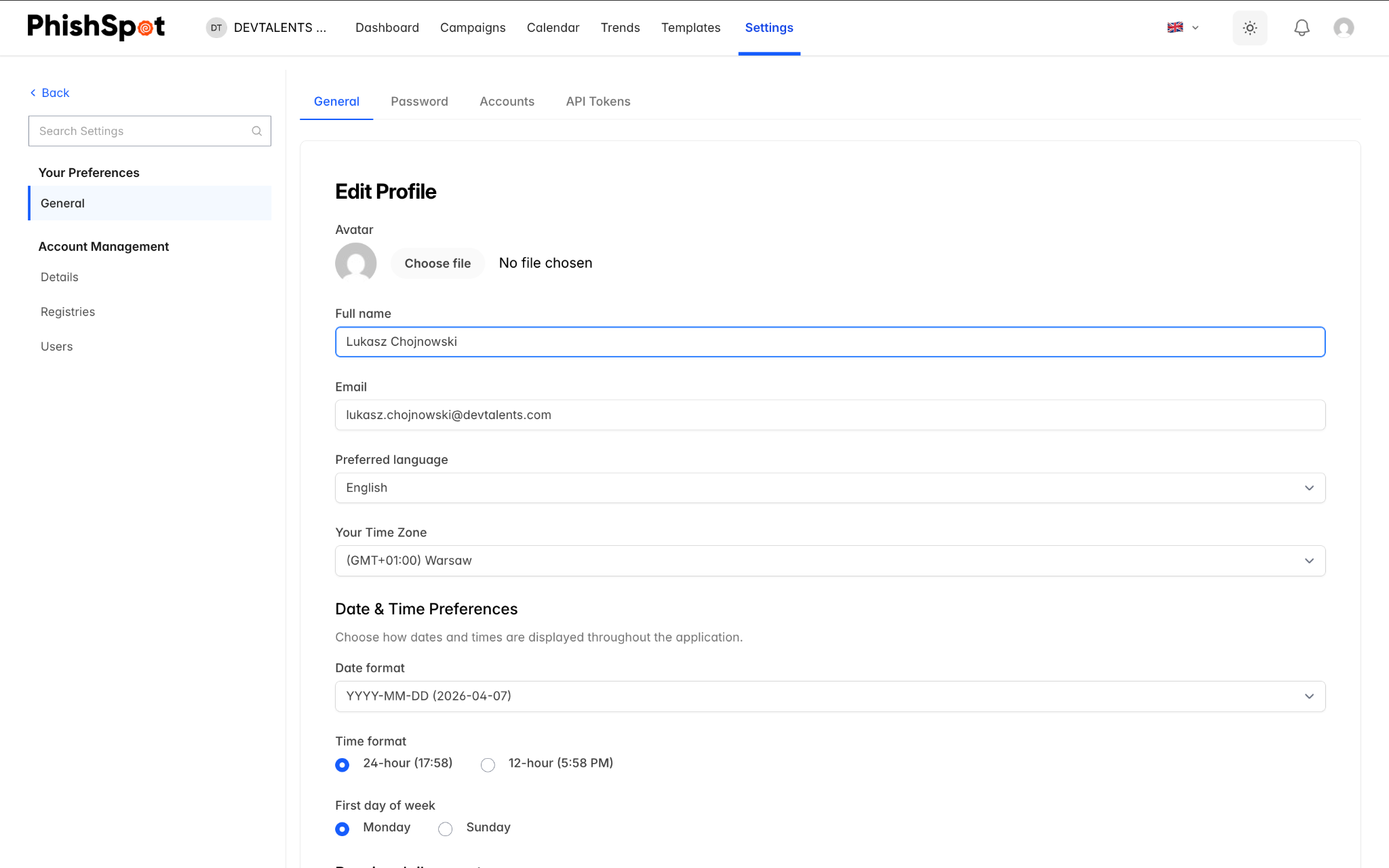
Account Name — Your organization or team name.
-
Time Zone — The default timezone used for campaign scheduling and report timestamps.
-
Primary Language — The interface language (English or Polish).
-
Avatar — An optional account image/logo.
13.2 Business Hours
Section titled “13.2 Business Hours”Enable business hours to restrict when campaign emails are delivered. When enabled, configure:
-
Which days of the week emails can be sent (Monday through Sunday checkboxes)
-
Start time and end time for the delivery window
Emails scheduled outside business hours will be queued and delivered during the next business window.
13.3 Default Awareness Page
Section titled “13.3 Default Awareness Page”Configure the default HTML page shown to users after they interact with a phishing simulation. This is the awareness/educational message that appears if no specific course is assigned to a campaign. You can edit the HTML using the built-in code editor and preview it in real time.
13.4 Deleting an Account
Section titled “13.4 Deleting an Account”At the bottom of the Account Details page, there is a Delete Team button. This permanently deletes the account and all associated data including campaigns, contacts, templates, and results. This action cannot be undone. Only the account owner can delete the account.